Cerro Chirripó (12,533 feet)
24 miles hiked
7,546 feet of elevation gain
15 hours
I was recently vacationing in Costa Rica, so what better thing to do than climb the country’s highest peak?
After finishing a bunch of touristy activities in the Monteverde/Arenal areas, I made my way down towards the mountain. I caught a morning bus from San José (the capital) down to San Isidro de El General, a bus ride which follows one of the most treacherous sections of the Inter-American Highway. It passes over the 11,322-foot-high Cerro de la Muerte (Mountain of Death), with some spectacular views. The bus ride was supposed to take three hours, but it took closer to four, since apparently there was a bicycle race along the same road from San José to San Isidro the very same day.
I then took a taxi to San Gerardo de Rivas, the town at the base of the main trail to Chirripó, since I’d missed the bus there. I arrived at the National Parks Office around 3:45 pm on Monday afternoon.
Cerro Chirripó lies within a National Park, inside of which camping is not allowed. They do have a large hut, called Base Crestones, at about the 14.5 km (9 miles) mark along the 20 km (12 miles) trail to the summit, and it sleeps around 40 people or so (the exact number seems to vary depending on whom you ask—one person claimed it slept 60). Most people who hike Chirripó stay at the hut for a night and do the whole hike over two days, and many also stay at the hut for an additional night in order to hike other surrounding peaks.
I intended to hike it in two days, Tuesday and Wednesday. SummitPost claimed it was easy to get a reservation, but alas that was not the case. When I arrived on Monday, the office was all out of reservations for Tuesday night, and they only had three reservations available for Wednesday night, which could not be reserved until the office reopened Tuesday morning. Here’s how the reservations work, according to a local I talked to:
- Twice a year (once for the wet season, once for the dry season), about 30 or so advance reservations are opened up for each day in the upcoming season
- These can be reserved by phone (call the parks office at +506-2742-5083), but you need to pay in advance with a wire transfer to ensure the reservation
- Some hotels and travel services like to reserve these tickets right away and then resell them to clients; I don’t know who they are or how to get them.
- Every night, 10 tickets are available for reservation the day before. That is, if you want to stay on night X, you can reserve them on day (X-1) at the parks office in person.
- However, if anyone is staying multiple nights, then there are that many fewer reservations available. For example, if seven people bought two-night reservations for nights X and X+1, then there will only be three reservations available for night X+1 on day X.
- The parks office is open from 6:30 am–4:30 pm. If you want to be sure you’ll get a reservation for the following night, you need to get there by 4:00 am. I’m not kidding—there will be a dozen people there by the time the office opens at 6:30.
So, after digesting all of that, I weighed my options. It was currently Monday afternoon, and I had to be on a plane leaving San José Thursday morning, which meant I had to be back to San José on Wednesday night. Sleeping at Base Crestones on Wednesday night was not an option.
Clearly the only sane thing to do was to hike it all in one day.
I could either hike it on Tuesday or Wednesday. But by the time I figured out what to do, the parks office was already closed for the day. I’d have to wait until Tuesday morning to get a permit to enter the National Park (you still need to buy a $15/day permit to enter the park, regardless of whether or not you’re staying at Base Crestones). I chose to hike it on Wednesday.
I went to bed early on Monday night to start shifting my sleep schedule as much as I could for an alpine start. Tuesday morning, I got up early, met the crowd waiting to get into the parks office, learned all about the reservation system, and bought a day pass to the park for Wednesday. I spent the rest of the day wandering around town, picking up some supplies, and relaxing.
Tuesday night I went to sleep around 7:30 pm at the Hotel Uran, which is about 50 meters from the trailhead in San Gerardo. I highly recommend staying there—for about $18/night for one person, you get a private room and hot showers (in a shared bathroom), and the restaurant there is also really good and cheap, too. I set my alarm for 11:45 pm, with the intention of starting hiking at the stroke of midnight.
But for whatever reason, I woke up an hour before my alarm clock. Instead of rolling over and trying to get another hour of sleep, I decided to get up and hit the trail, in true alpine start fashion. The entrance to the National Park isn’t until the 4 km mark, so as long as I didn’t get there before midnight, I’d be all in the clear as far as my permit was concerned (not that there’s anyone checking permits there—the only place they check them is at the Base Crestones hut).
The hiking for the first several kilometers was not particularly notable, it was a fairly steady climb upwards. At several points along the way, I could see the distance lights of a city, and the stars were gorgeous, but otherwise there wasn’t much to see in the glow of my headlamp beyond the trees right in front of me.
The trail has a signpost almost every kilometer up to the Base Crestones hut (a few are missing), along with a cute name for that section of trail. The trail is graded for horses, so it’s never too steep, but it’s not shallow either. There’s a porter service in town which will carry up your supplies by horse (for a fee) to Base Crestones the day before you get there, if you’re not sporting enough to carry it yourself. There are frequent sections of the trail where it’s divided into two parts, one for people and one for horses. The people sections have these nice staircases made of tree stumps, along with a railing and some posts to prevent horses from going in them, while the horse sections are extremely muddy and full of big, wet postholes.
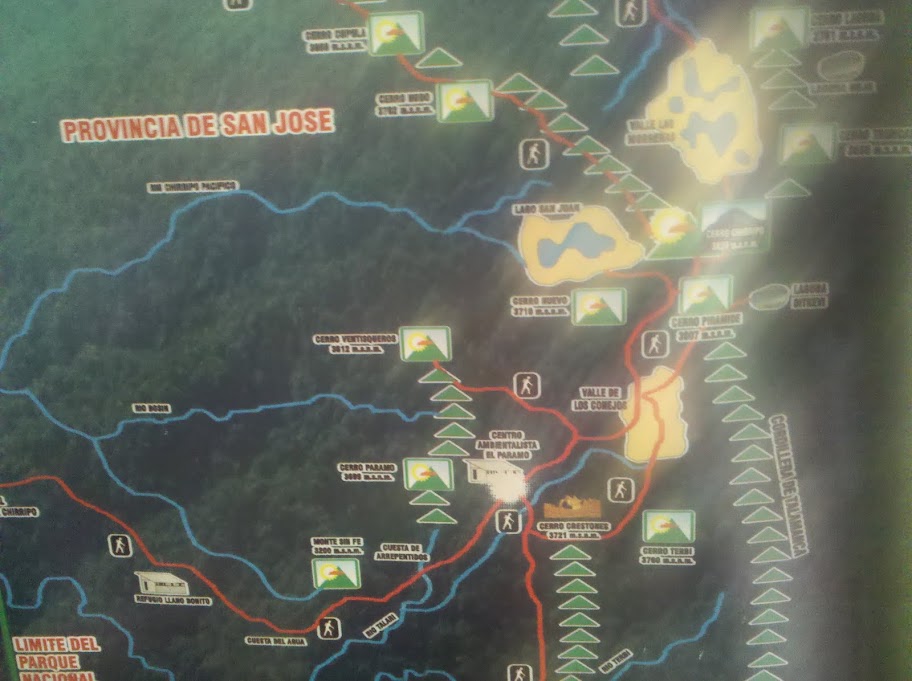
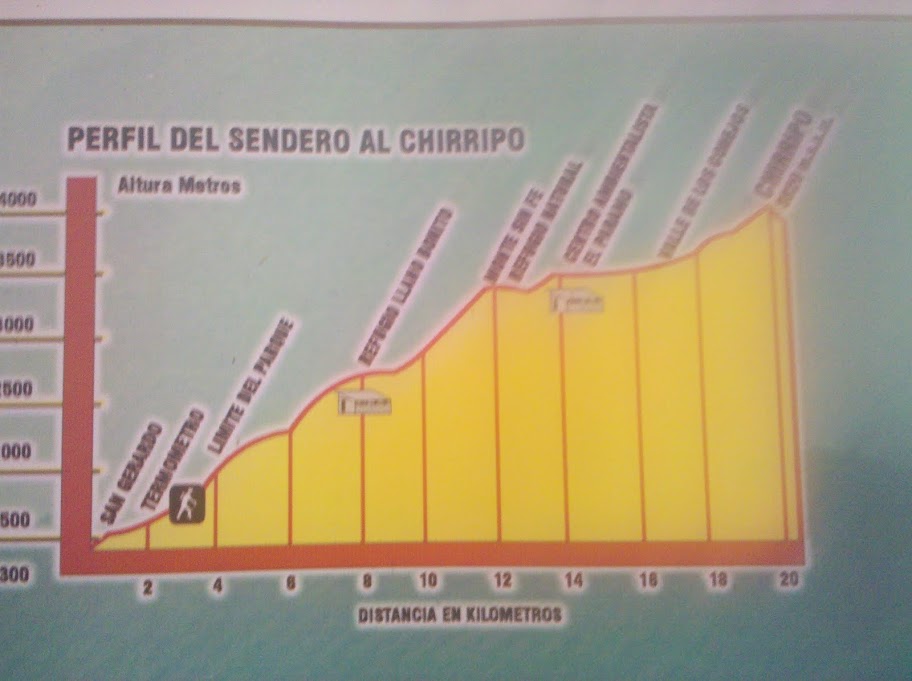
I plowed along at a pretty steady pace of 25 minutes/km, stopping briefly every hour or so to chow down on an energy bar. Just after the 7 km mark, there’s this other shelter called Llano Bonito (Beautiful Plain). You’re not supposed to sleep there, but it can be used as an emergency shelter (which seems odd to me, since it’s a fairly large two-level four-walled building). It has a potable water supply there, as well as a trough for horses. Until then, there were no water supplies at all, not even little creeks. When I got there, I topped off on my water, downed an energy bar, and continued onwards.
Around 12 km came Monte Sin Fe (Hill of No Hope), which was the first non-trivial local maximum along the trail. There was a short downhill section afterwards and then it was up, up, and up again.
Finally at 14.5 km, I made it to the Base Crestones hut around 5:00 am. It was still dark out, and I hadn’t seen another human soul all night. I still didn’t see any other headlamps in the distance coming from hikers trying to make it to the summit for sunrise.
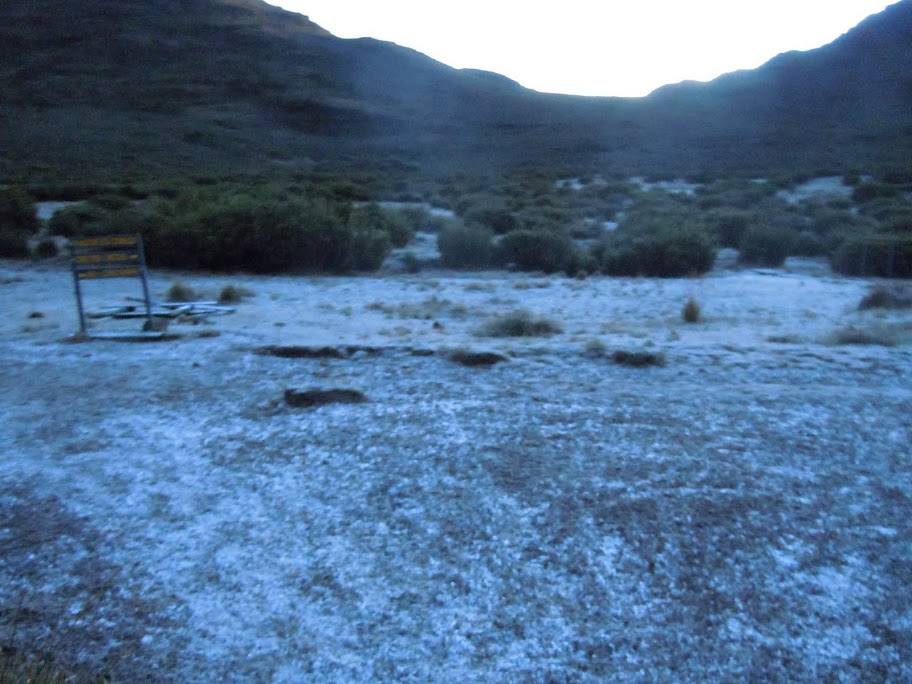
The sun started rising at about 5:30, as I was making my way through the comparatively flat section of Valle de los Conejos (Valley of the Rabbits) just beyond Base Crestones. There was a bit of frost on the alpine grass, crunching under my feet as I walked by, but it didn’t feel cold at all because I’d been staying moving almost continuously.
I put my headlamp away as the sky started brightening up. Miraculously, it lasted all night. I don’t remember when the last time I changed the batteries was, but I’ve definitely used it on numerous occasions for considerable amounts of time. I did have extra batteries with me, just in case. I expect I’ll need to use them the next time I need my headlamp.
I was starting to slow down noticeably here. I was walking more slowly and taking more frequent breaks. This was probably due to the elevation—I didn’t feel like I had any serious symptoms of altitude sickness, but it must have been having an affect on me. After following the trail around a nearby peak, I finally caught a glimpse of the summit, as well as some other people making their way down. The last 500 meters or so are rather steep, with a bit of scrambling (considerably steeper than anything else on the trail), but nothing I wasn’t used to from the rugged White Mountains of New Hampshire. I’d say it was comparable to a short section of the Webster Cliff Trail.
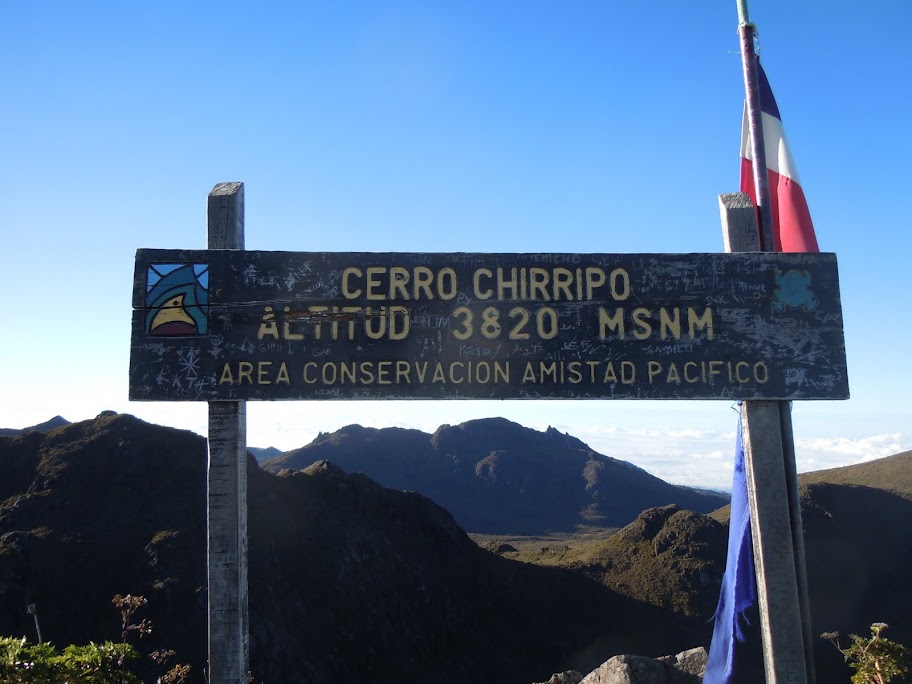
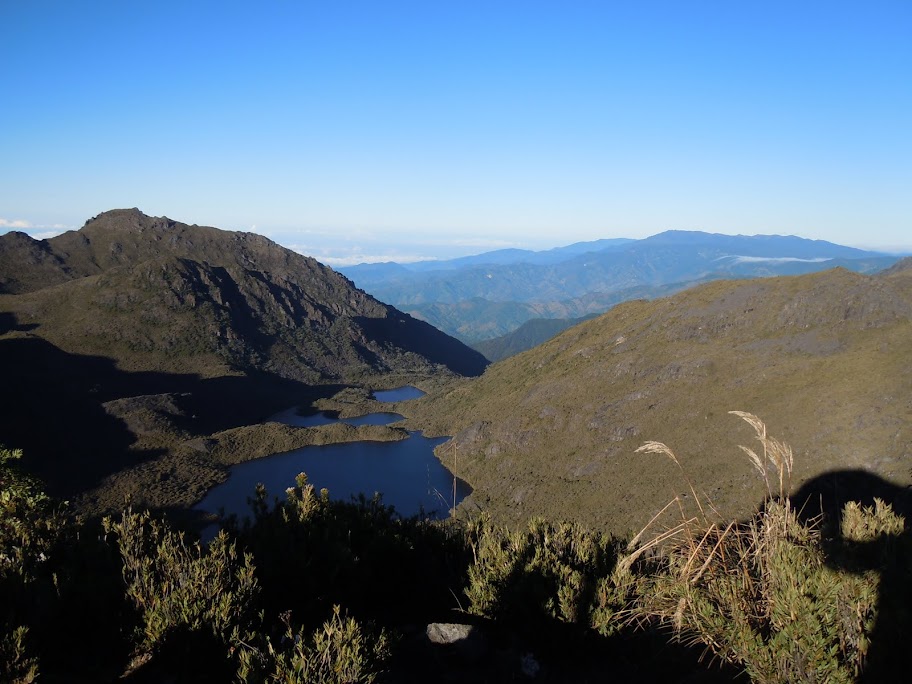
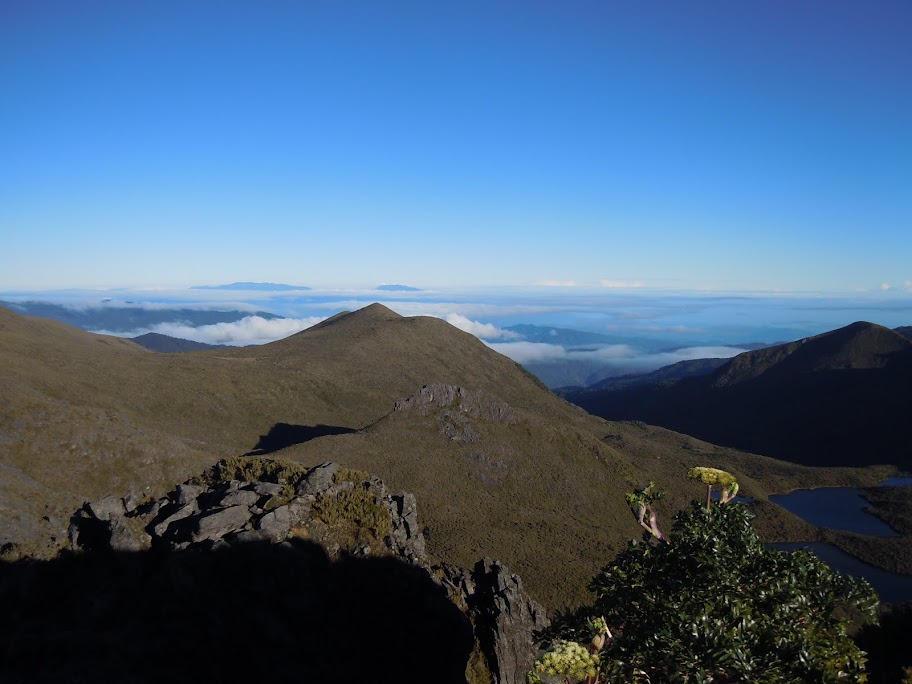
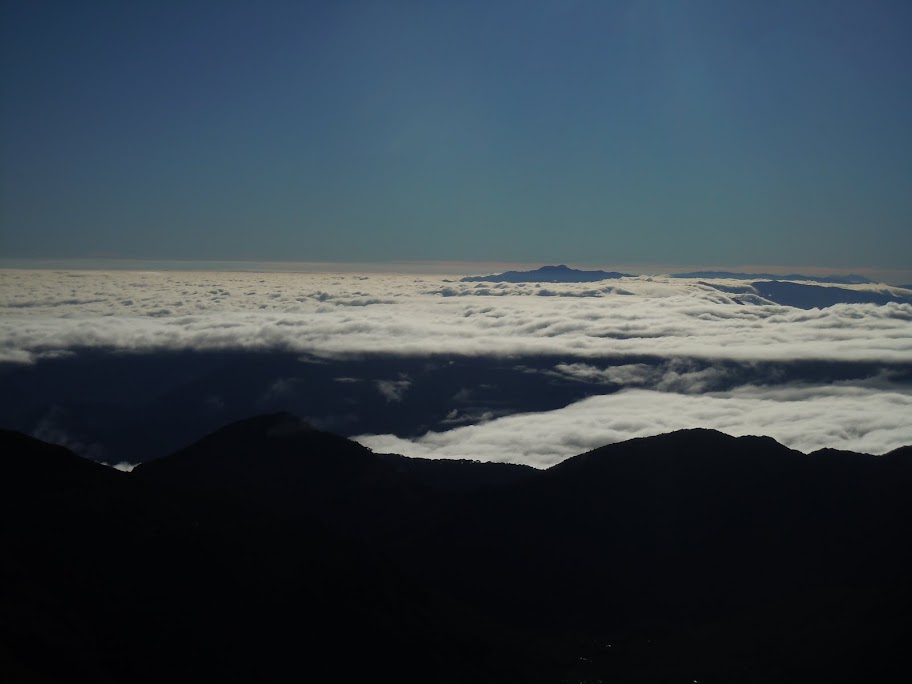
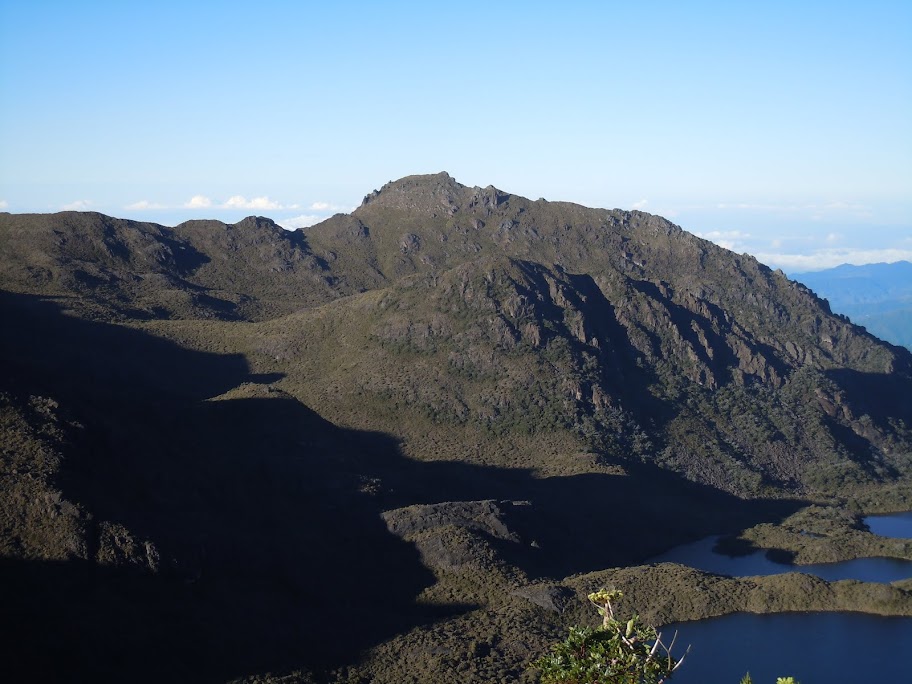
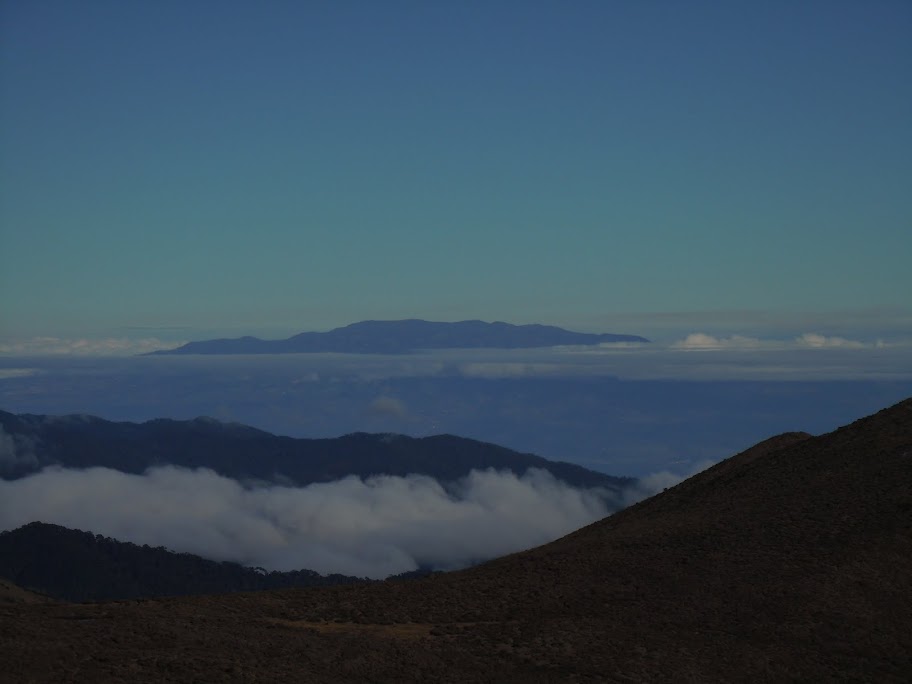
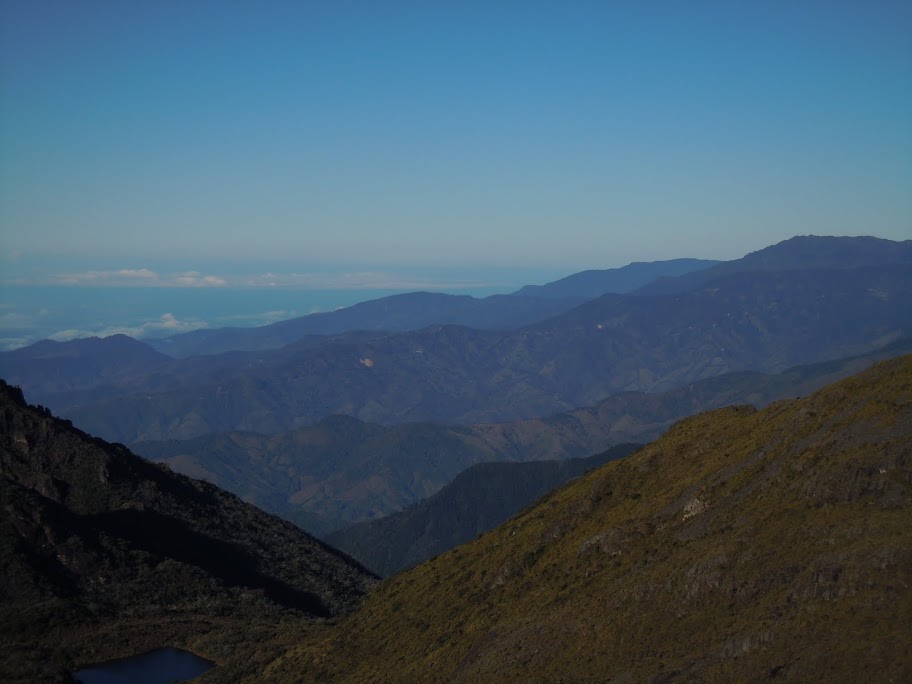
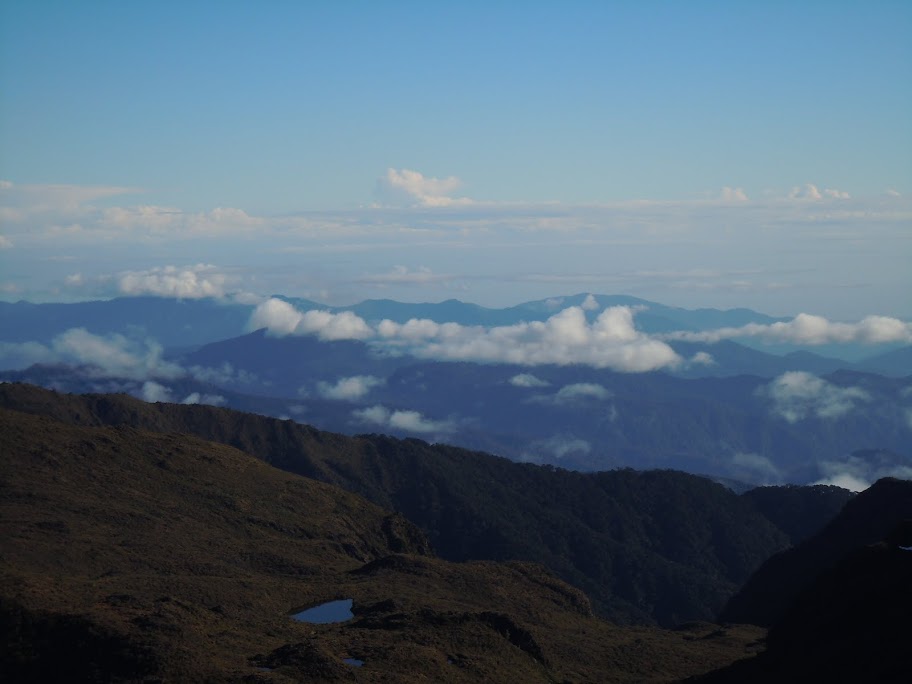
At 6:56 am, I summited Cerro Chirripó, and found myself on the roof of Costa Rica. The views were incredible! They say that on an exceptionally clear day, you can see to both the Atlantic and Pacific Oceans. This was not one of those days—there were too many clouds to see either ocean. I snapped a bunch of pictures, signed the summit register, ate my “breakfast”, and chatted with the other hikers there. One of them was even kind enough to share a swig of some rum he brought up with him.
After about 40 minutes on the summit, I started making my way back down. When I got back down to Base Crestones, I went in to use their toilets, which they let me do as long as I showed them my pass to the park (if you don’t go inside, nobody will ever ask for your pass). I also ashamedly checked my email on my smartphone—can you believe they have Wi-Fi up there? And it was actually reasonably fast.
The hike back down went faster than the hike up, not too surprisingly, but with about 8 km left to go, my legs started becoming uncooperative. All of the downhill hiking was doing a big number on my knees, and it was getting increasingly painful to keep walking downhill. My pace slowed down massively, and I started taking numerous sitting breaks to stretch and rest.
At long last, I stepped off of the trail around 2:00 pm, weary and sore. I quickly made it back to my hotel and took a nice hot shower. I packed my things, checked out of the hotel, grabbed a bite to eat, and started making my way back down the road to the bus stop in town. It was still another almost 2 km downhill, but the shower had rejuvenated me, so it wasn’t too bad.
I got on the 4:00 bus back to San Isidro, but the adventure wasn’t over yet. The bus managed to get a flat tire partway through, so we all had to sit there for about half an hour as the driver replaced it with a spare. The roads there are very hilly, bumpy, and in this case, unpaved.
When I arrived in San Isidro a little before 6:00 pm, they informed me that the next available bus to San José was not until 8:30, so I grabbed some food and wandered around the town center for a bit. Out of curiosity, I asked a taxi driver there how much it would be for a ride to San José, and he told me $160. I’d easily wait a couple of extra hours rather than pay that amount, so that’s what I did.
I was perusing an ice cream shop next to the bus station when a stranger approached me and asked where I was going (I was toting around a suitcase in addition to my backpack). When I said San José, he told me he’d take me there for $10. I thought it must have been some sort of scam, but he explained that he was a taxi driver based out of San José and was going back there anyways, so he was hanging around the bus stop trying to snipe off a couple of fares for the ride back. He had an official taxi (red with a yellow triangle), so I agreed to go with him since I wanted to get back at a reasonable hour. He wanted to get at least one other rider with him, though, so we didn’t leave right away.
After waiting for a while without anyone else, he said he’d take me back for $20, leaving right away. Again since I wanted to get back, I agreed, so that’s what happened. We went back over Cerra de la Muerte, and I got back to my hotel not too late to get a decent night’s sleep. The next morning, I got another taxi to the airport, and I was on my way home.
A smashing success.